

You can add components in the email that is being created. The components we provide are as follows:
Text

You can add components in text format. On text format you are able to do settings:
- Content : set the text color, font type, font size and line height.
- Background & Spacing : set the color background, padding and margin.
- Links : set the coloring and underline of links.
Image

You can add components in image format. On image format you are able to do settings as follows:
- Content
- Source : upload image
- Edge to edge : setting of image-size.
- Align : setting on image position (center, left, right)
- Background & Spacing : set the background color, padding and margin.
- Links : direct the image direction.
- Web : direct to some web, you are simply just entering the URL of your website destination.
- Mailto : direct to response to the message sent. User should type email address, subject and the body.
Note: If the recipient uses Outlook email, the image in the form of a gif that is added, currently cannot be displayed in desktop and mobile views.
Button

You are able to add component formed in button to direct to other links. Inside the button, you are able to do setting as follows:
- Content
- Title : setting on text color, size and type of the font on the button.
- Button : setting on title button, radius, background color, width and height.
- Border : setting on border size and color.
- Align : setting on button position.
- Background & Spacing : set the background color, padding and margin.
- Links : direct the image direction.
Download

You are able to add component formed in download button, that could use to download on some file.
- Select File : to select file that you intend to upload for email recipient.
- Content
- Title : setting on text color, size and type of the font on the download button.
- Download Button : setting on title download button, radius, background color, width and line height.
- Border : setting on border size and color.
- Align : setting on button position.
- Background & Spacing : set the background color, padding and margin.
Image Text
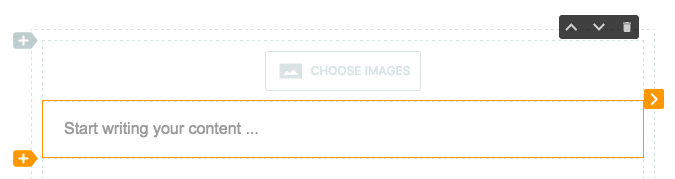
You are able to add component formed in image and text in one component.
Image Text Button
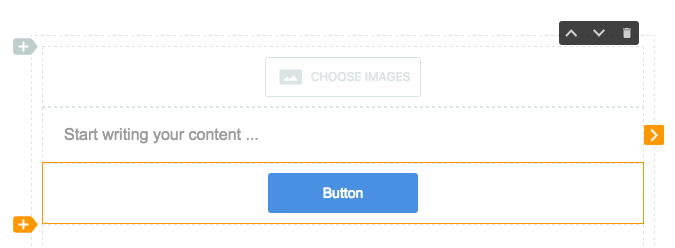
You are able to add component formed in image, text and button in one component.
Social Media
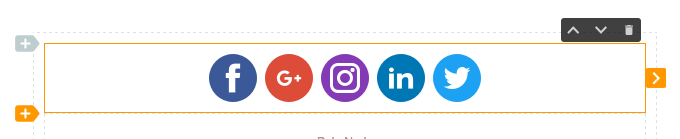
You are able to add component formed social media button. Just copy your social media profile's URL and paste on it.
Content
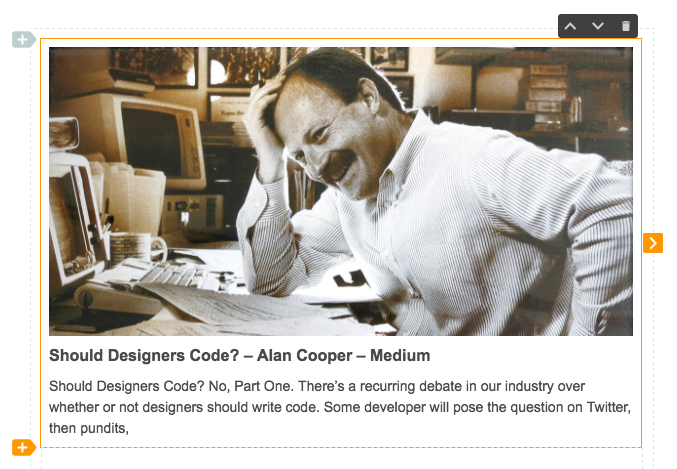
You are able to generate content from a web, just simply copy and paste the link of the content. You can do some settings on Content as follows:
- Content : It will generate the content with copy and paste the content's URL you desired.
- Style contents : set the content location
- Show Image : to show the image (content)
- Show Description : to show the content's description
- Image
- Source : to upload image
- Align : set image position
- Title : title writing, setting of title color, font type, font size and line height on content title.
- Description : setting on font color, font type, font size and line height on content description.
- Background & Spacing : setting on color background, padding and margin.
Catalog
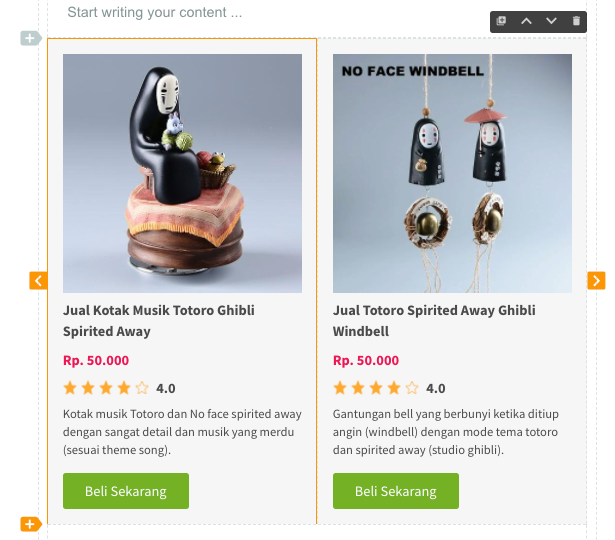
You can generate catalog from a web, as easy as copy and paste the link on the content. Catalogs can be used to add product content in email.
Separator

You can add a separator component. In the separator you can do the settings include:
- Content
- Color : change the separator color
- Size : size of separator thickness
- Length % : length separator size
- Style : change the separator style
Code

You can add a snippet of html code into your email. But to embed html like youtube, twitter, instagram does not allow added to the email because of the limitations on the email client.
Video

You can generate video content from a web, as easy as copy and paste the link on the content.
Please note: For now the supported video links in the video component are Youtube and Google Drive.
Table

- Content
- Column : the number of columns in the table.
- Row : the number of rows in the table.
- Border : setting the color of the lines on the table.
- Background : setting the background color and header in the table
- Text Formatting : setting on color, font type, font size and line height.
- Background and Spacing : setting the color background, padding and margins.
- Links : setting the color and underline on the link.
Header

You can add a header containing the url to your email content.
- Content
- Style : to change the position menu (center, left and right).
- Image : to add an image to the header.
- Source : choose select images from the Mailtarget File Manager.
- Link Image : use an image based on the url link.
- Menu color : customize the color on the menu.
- Title : creates a menu title in the header.
- Url : add url link in the header menu.