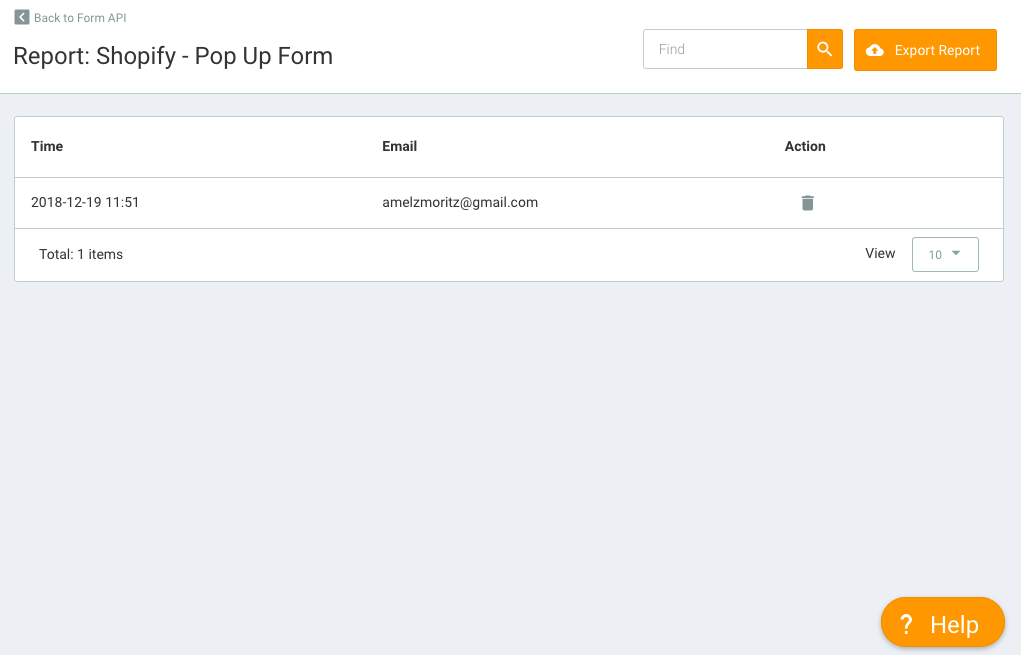
If you use Shopify as your business website, you can integrate it with the Mailtarget plugin to display Forms in the form of Pop Ups. So every time someone fills out the form, the data will automatically be stored in the Mailtarget system.

Displaying Pop Up
- Configure the plugin on the Mailtarget page by clicking on Shopify Integration Details.
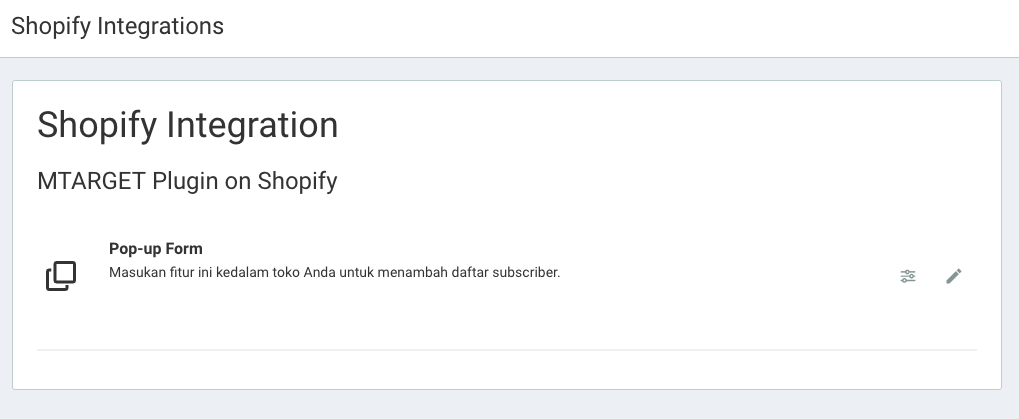
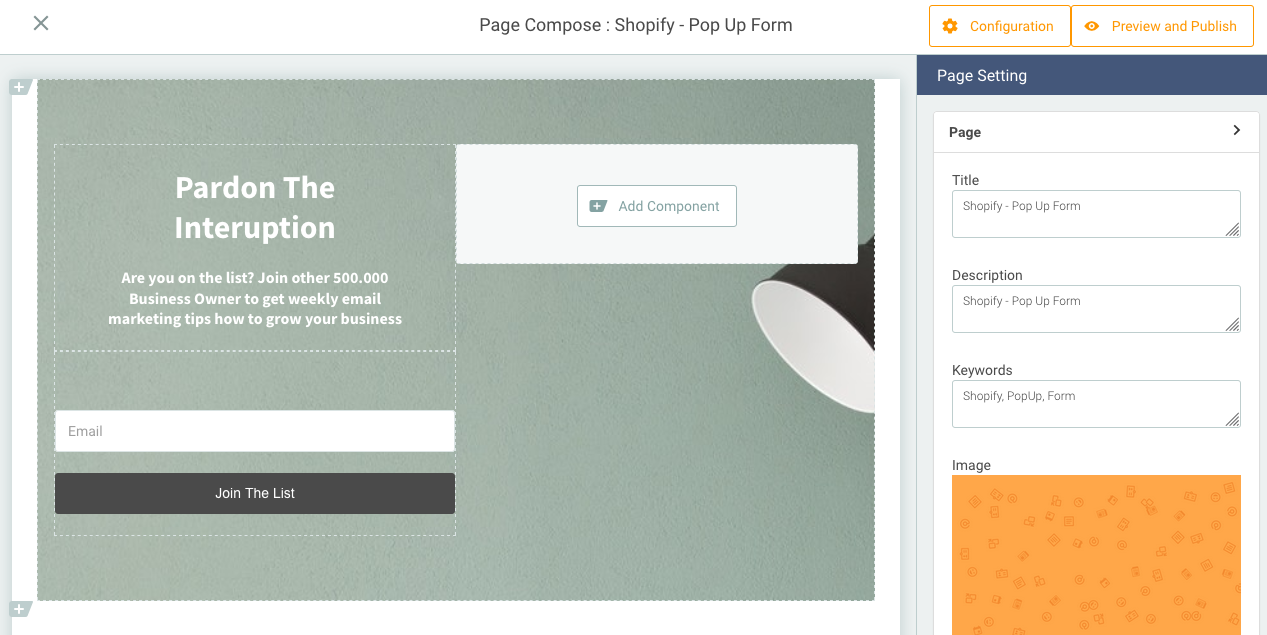
- You can edit the pop up according to your store needs by clicking the edit icon.
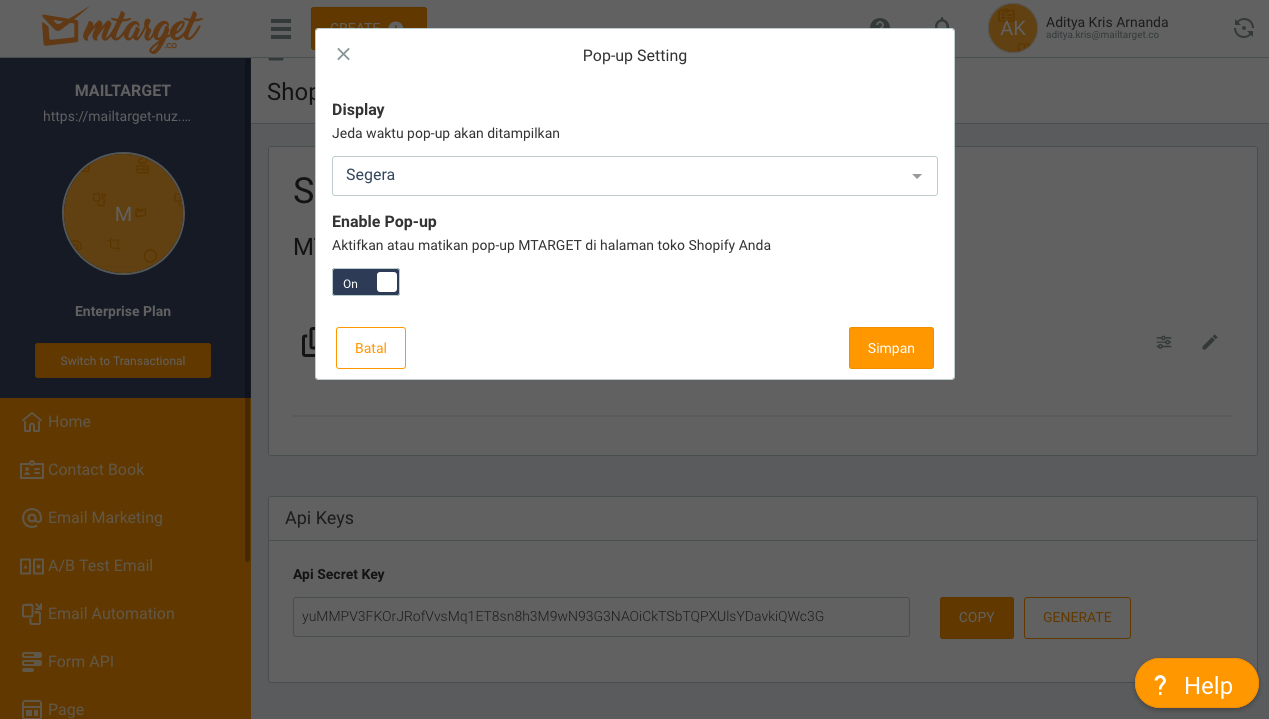
- Then, set the pop up form on the Shopify Integration page to display the pop up and the duration the pop up will be displayed on your Shopify store.
Plugin & Report Example
Example of a Shopify store that has integrated the Mailtarget plugin. 
You can also get visitor data reports on your Shopify store by accessing the Form API in the Mailtarget menu and clicking report.