
You can edit images that have been uploaded to the File Manager, such as cropping images, resizing images, and rotating images. Here's how:
- Go to the Tools > Asset Manager menu.
- If you have not uploaded the image you want to edit, click 'Add Files' at the top right.
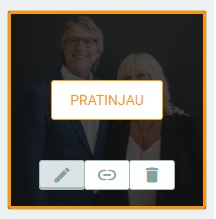
- Once you have the image, hover over the image you want to edit and click the edit icon as shown below.
- Then an image like this will appear:
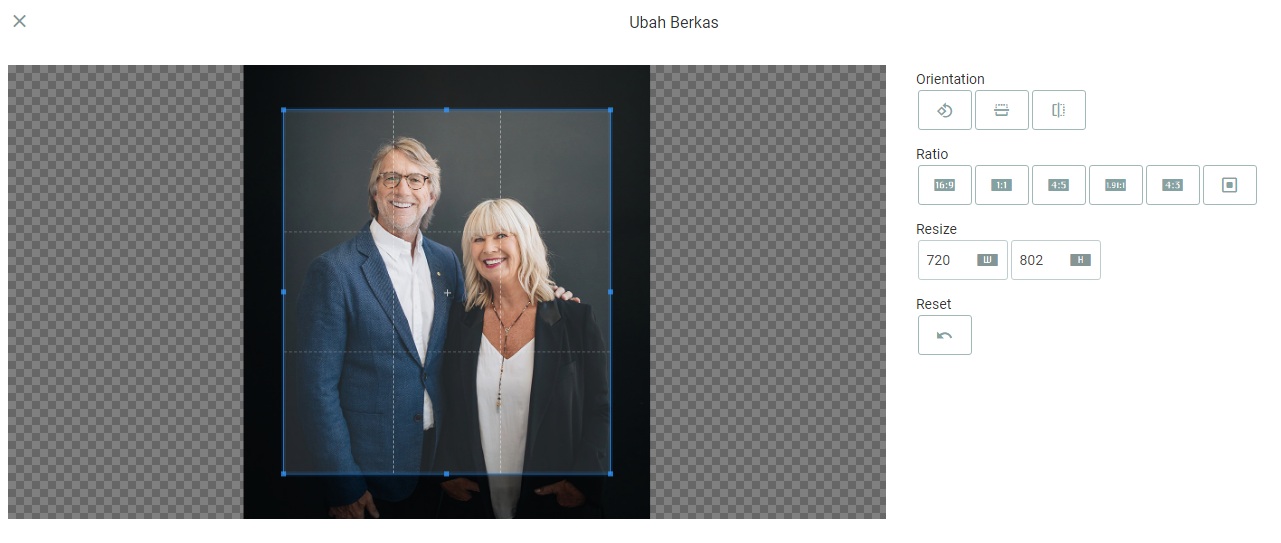
You can change the orientation, image ratio, and even resize the image.