
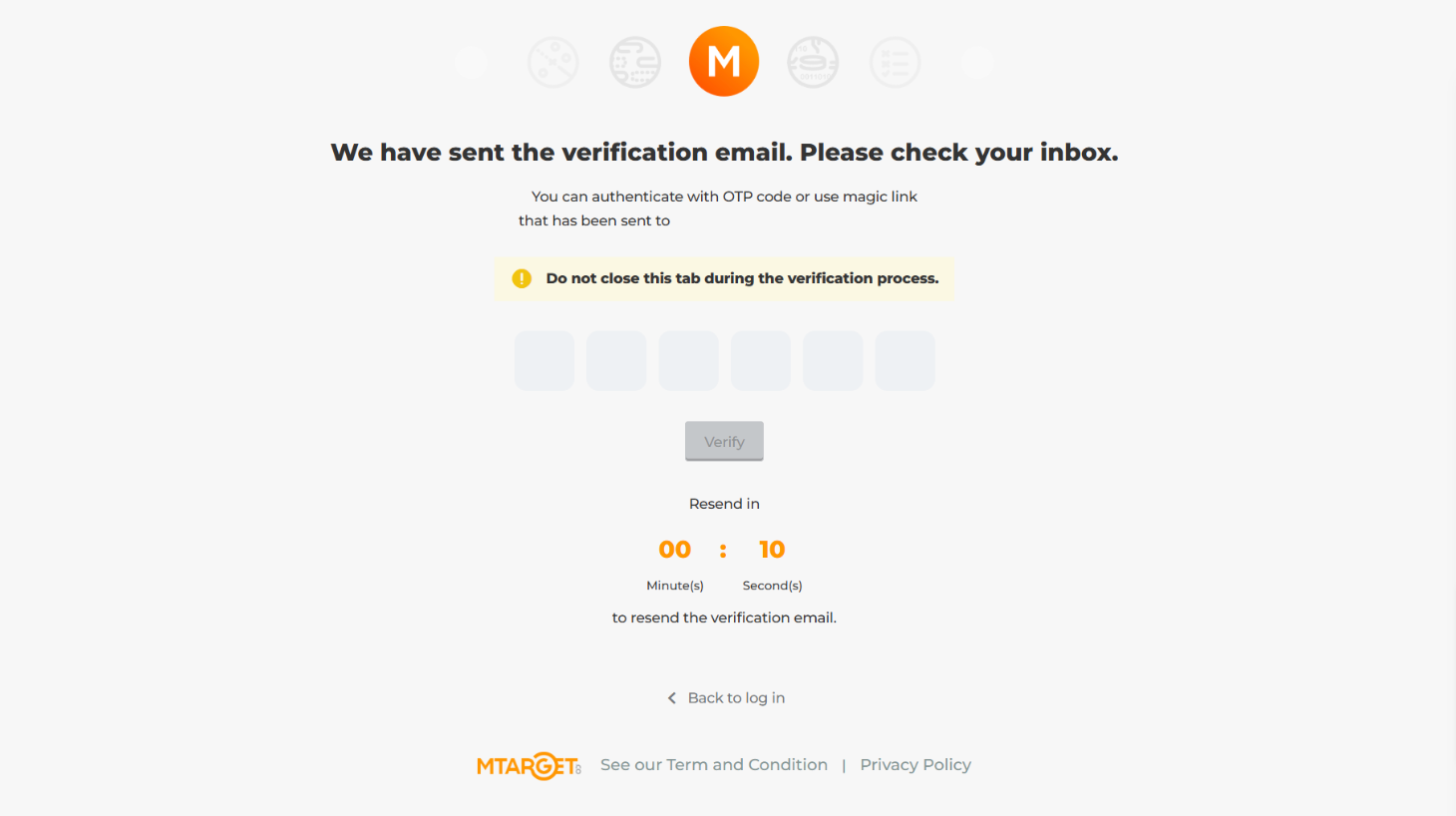
Mailtarget has introduced a significant update to its Two-Factor Authentication (2FA) feature, providing enhanced security for your account. In addition to verifying through the "Verify" button via email, users can now authenticate using a One-Time Password (OTP) code sent to their email. With this new feature, the authentication process becomes both more flexible and more secure. Below is a guide on how to use this new 2FA feature on Mailtarget.
Simply by entering the code provided after you log in to your Mailtarget account, which is sent to your email, you can safely log in without worrying about the security of your account.
Disabling 2FA
If you wish to disable the OTP-based 2FA on your Mailtarget account, you can follow the instructions provided in the official documentation through this link: Mailtarget Documentation - Disabling 2FA
Need Help?
If you encounter any difficulties during the process or need further assistance, feel free to contact the Mailtarget Support team via email: support@mailtarget.co.