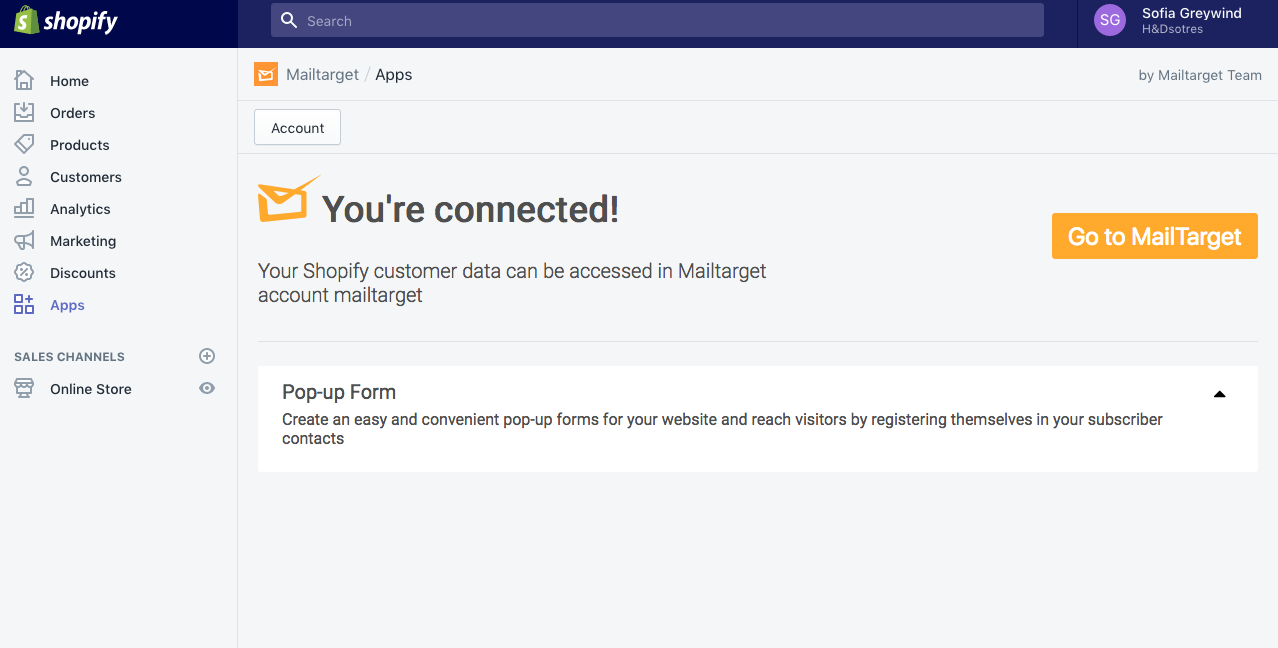
Mailtarget Shopify Plugin can be used to create pop-up forms on your Shopify store. This plugin also functions to increase the number of subscribers by integrating pop-up forms and provides many conveniences for you in reaching customers who want to buy items in your store or for subscribers.
Instructions
- Go to the Mailtarget page, select Tools > Integrations, then click on Shopify and click the View Detail button.

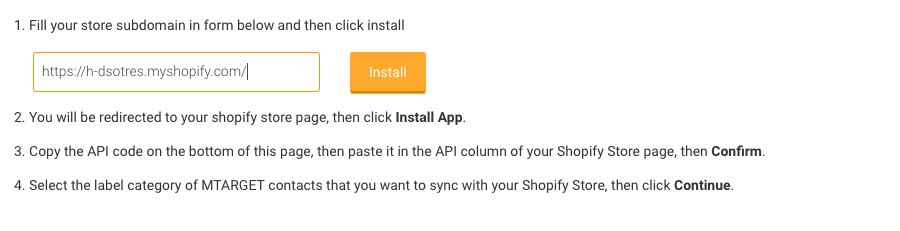
- Then fill in your Shopify URL in the field and click install.
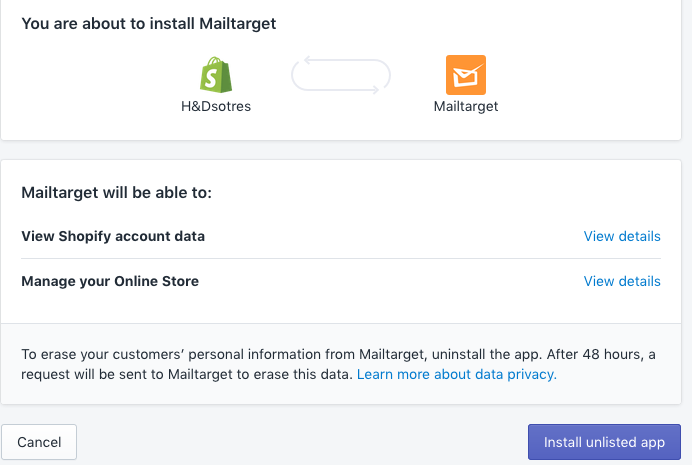
- You will be redirected to the Shopify admin page to confirm the installation of the Mailtarget plugin.
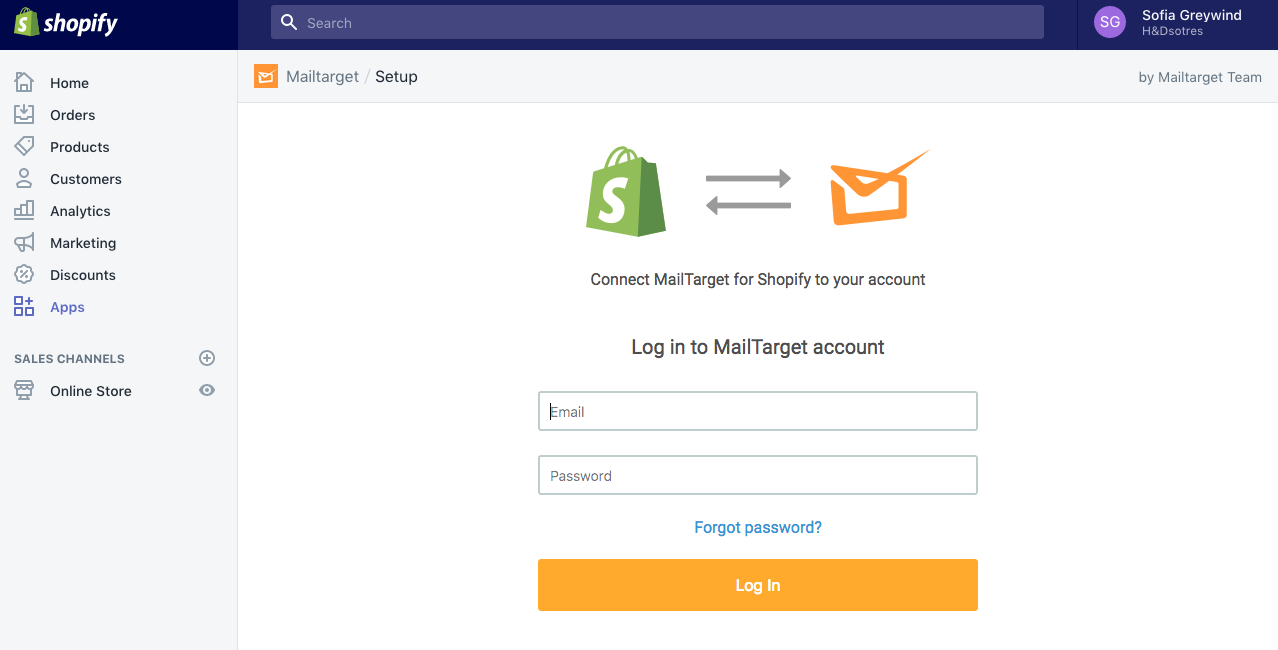
- Log in to Mailtarget on your Shopify page.
- After successfully logging in, your Shopify account will be connected to the Mailtarget plugin.