
In Mailtarget, you will be provided with a default landing page that you can access through the sidebar under your team's name.
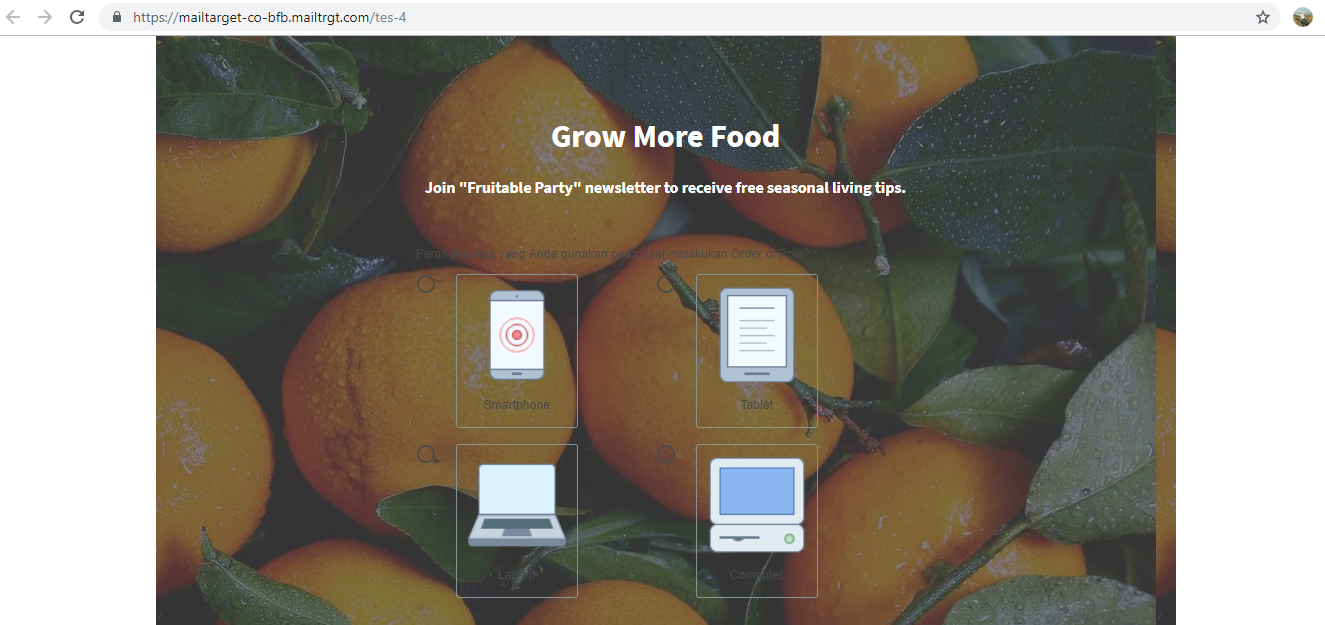
You can replace this default landing page with another page you have already created.
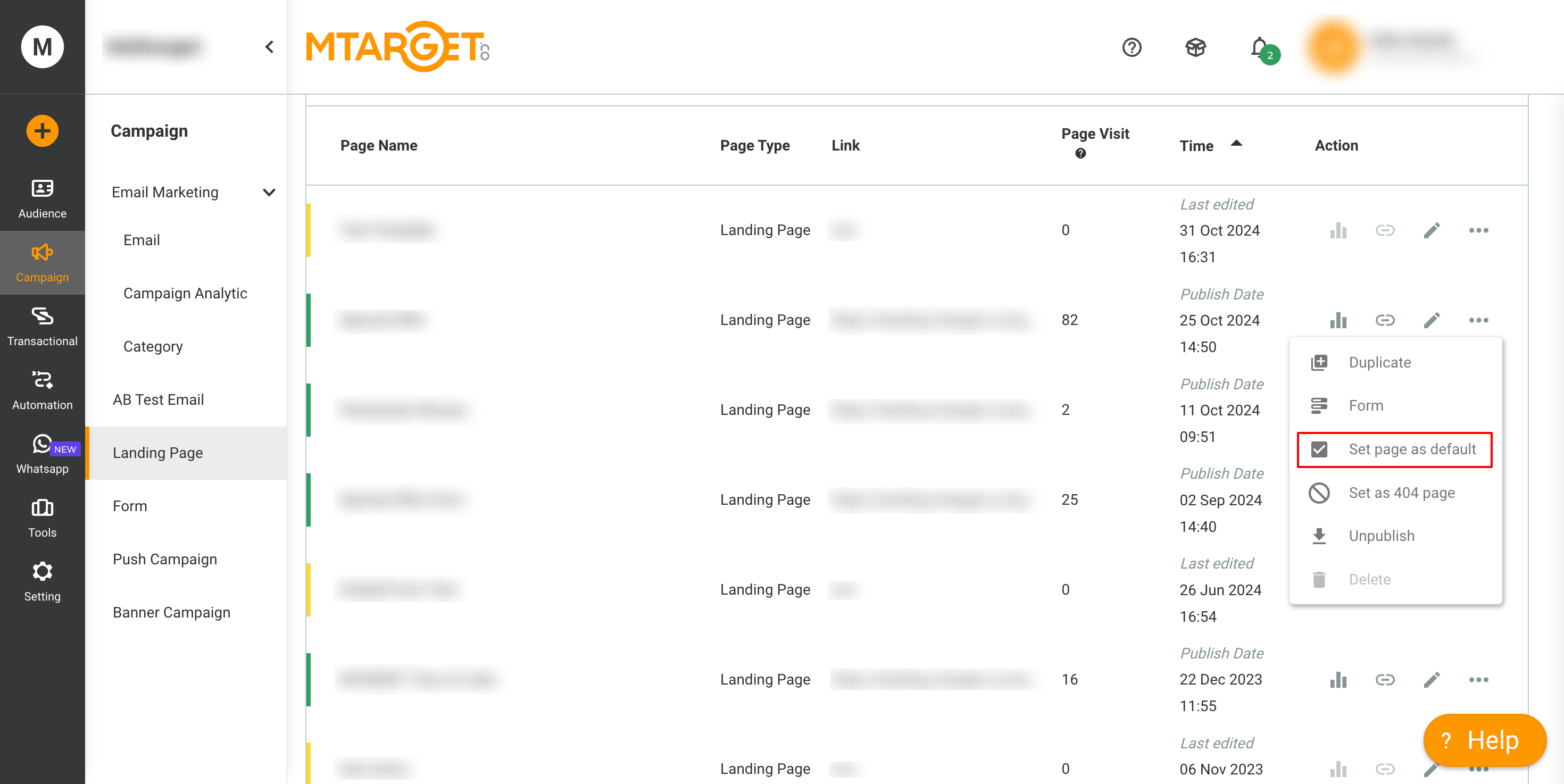
To replace it, you can first go to the page list. Then, in the Action column of the page list, click the more button, then click Set Page As Default ✅. Then confirm if you really want to change the default landing page.