
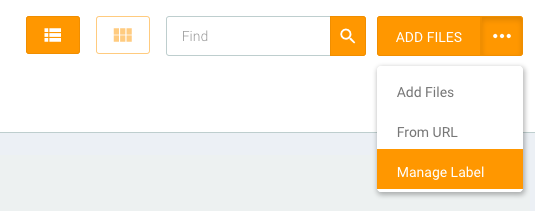
To manage labels, go to the File Manager menu (you can access the menu through the dashboard or the sidebar on the left). Then click the drop-down button and select Manage Label.
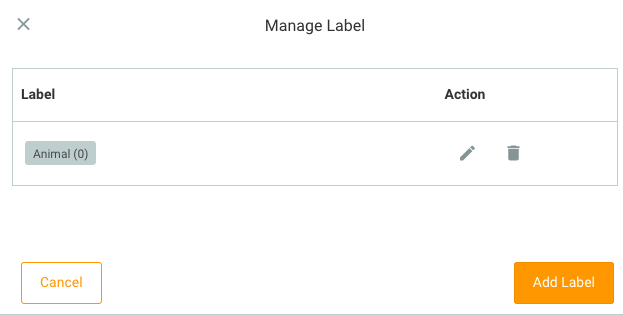
To add a label, click Add Label. Then write the label name you want, and click save.
To edit a label, click the edit icon. Then write the label name you want, and click done.
You cannot delete a label if there are files using that label name.
Flow
File Manager menu → click drop-down button → Manage Label → Edit / Add Label (as needed) → Done