
Here you will learn the parts of the dashboard in Push Campaign. Here are some parts:
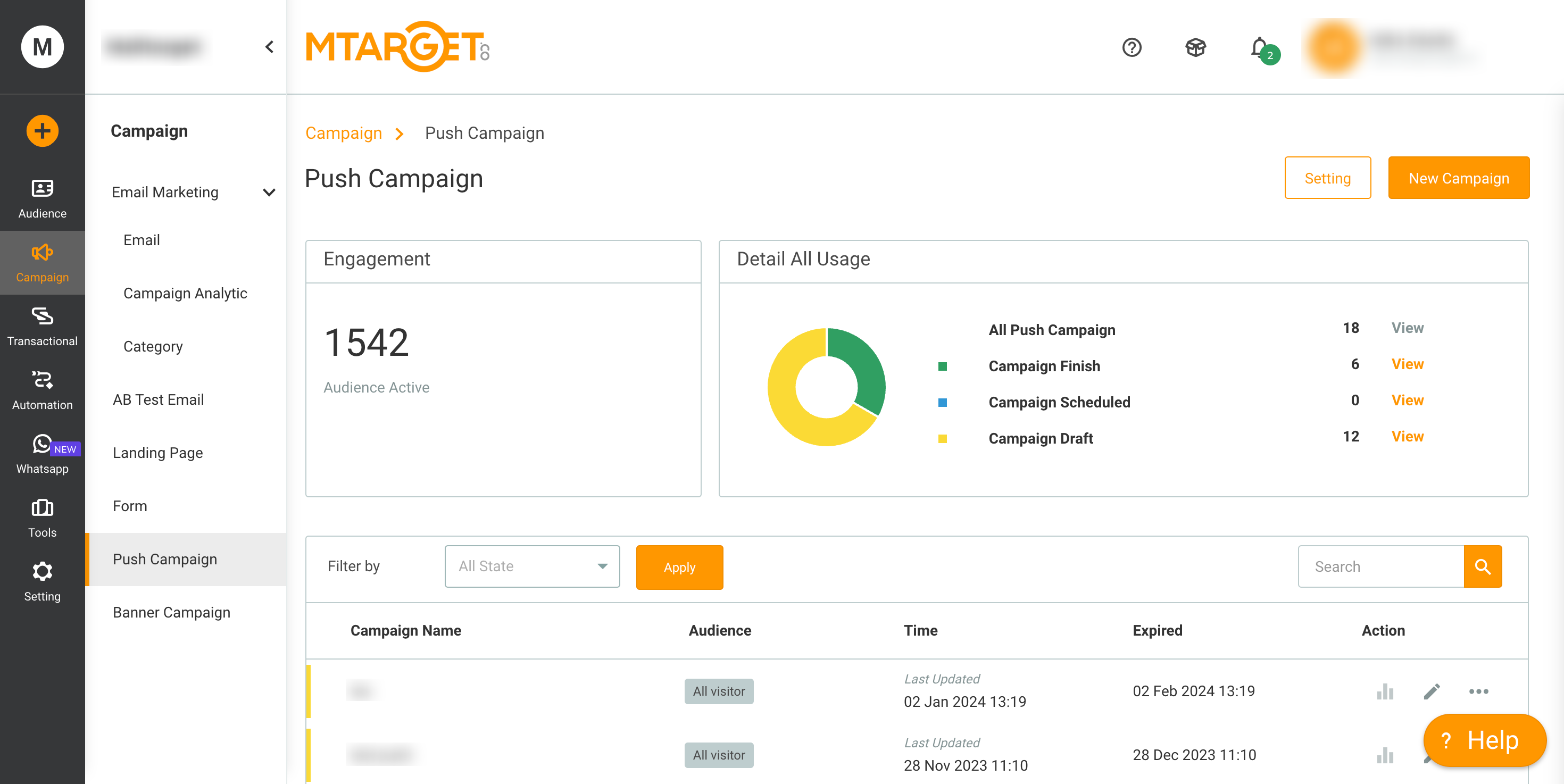
- "Setting" Button: Here you can configure the appearance of push notifications and display the script that you need to install on your website.
- "New Campaign" Button: Here you can create a campaign from Push Notification.
- Engagement: A group of visitors who have clicked "allow" on your website. If visitors click "block", they will not be recorded in the active visitors.
- Detail All Usage: Total campaigns you have created.
- List Campaign: All campaigns you have created related to Push Campaign will be displayed here.