
To export contacts, go to the Contact Book > Contact menu (you can access the menu through the dashboard or the sidebar on the left).
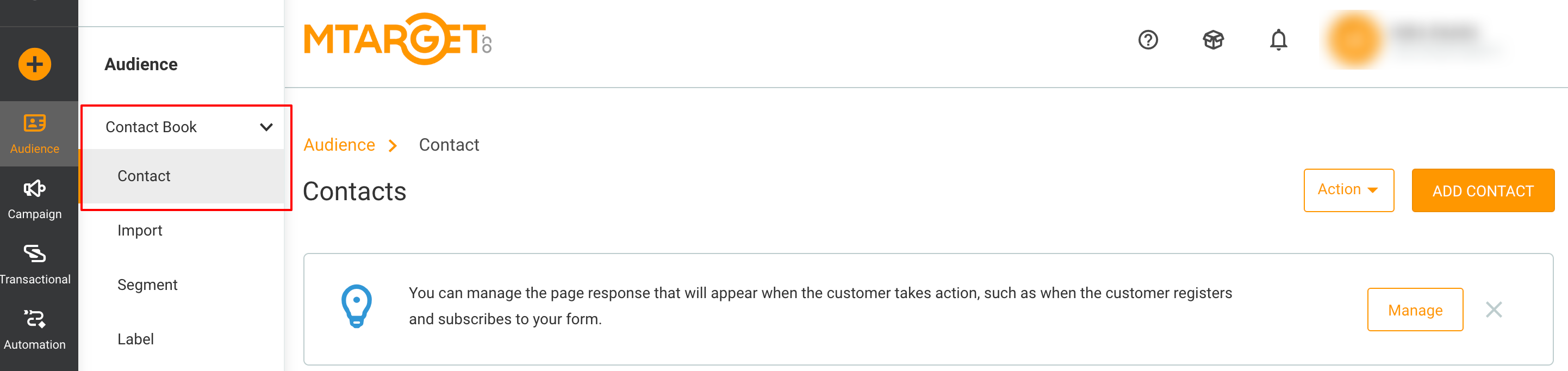
Export Contact
-
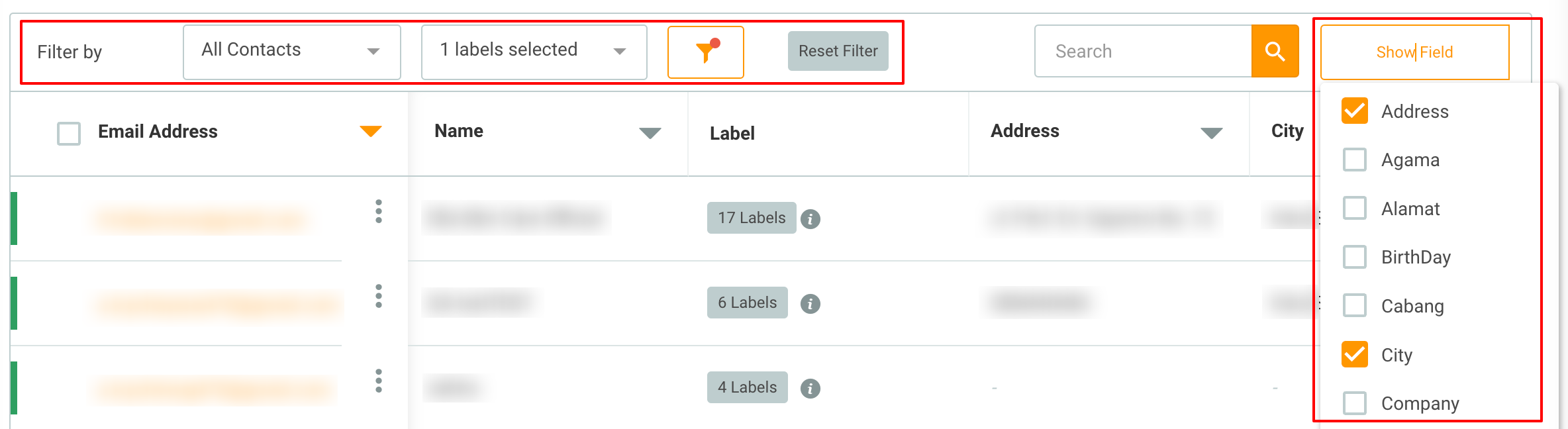
Select the contacts you want to export by checking the desired contacts.
-
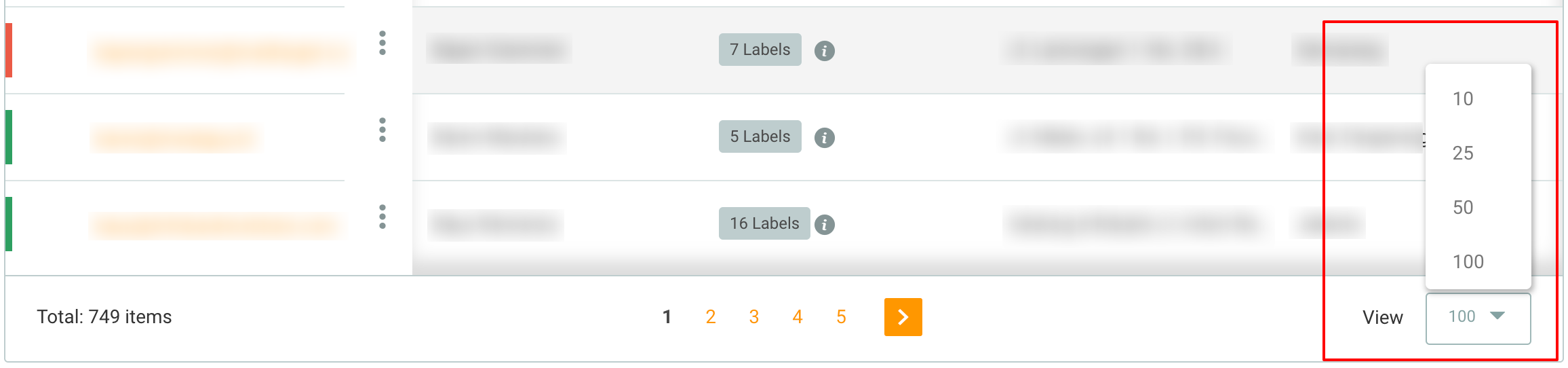
Data export will be processed based on the active filters, active fields, and only visible contacts will be exported.
-
Therefore, the exported data is what is displayed in the contact list with a maximum of 100 records.
-
Then click the Export Contact button from the "Action" button.
-
Format of the exported data you will receive is .csv.
If you need further assistance, please contact our team, and we will be happy to help!